How to create an AI clone video
How to create an AI clone video in 3 steps
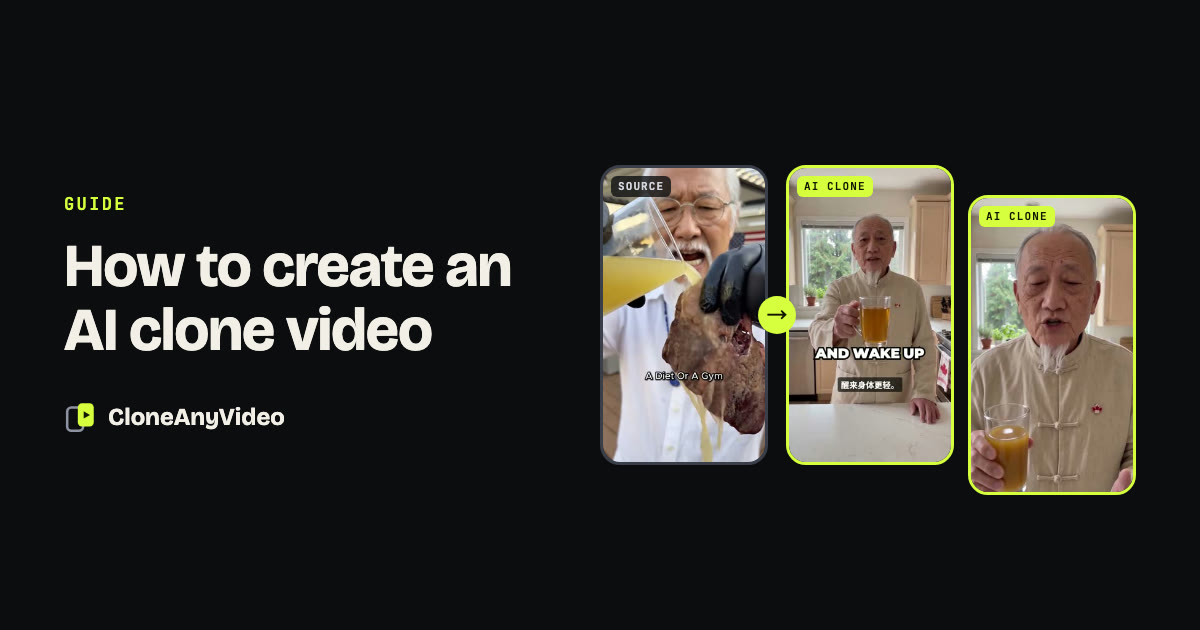
Key points
- Three steps: create a presenter once, paste a reference, approve the script.
- Pick the reference for its structure. The first frame matters more than the topic.
- Most clones should be shorter than their reference. Five of our six examples are.
- Check four things before posting: the first frame, the words, the hands and objects, the AI label.
An AI clone video is a new video built on the structure of one that already works. Making one takes three steps. This guide walks through each, using the six clones in our examples as the evidence, and ends with the checks we run before anything is posted.
- 01PresenterFace, wardrobe and voice. Done once.
- 02ReferencePaste a link or upload an MP4.
- 03ScriptRead the rewritten lines and approve.
- 04CloneA finished vertical MP4 with captions.
Step 1: Create your AI presenter
Decide who fronts the channel before you clone anything. A presenter is four things: a face, a wardrobe, a voice, and a short note on how they speak.
You can design a character, or build the presenter from video of a real person who has given consent. Either way it is set once and reused. That is what makes thirty videos look like one channel instead of thirty unrelated clips.
Three things we learned the hard way:
- Keep a neutral expression in the reference sheet. A wide smile changes the shape of a face. Build the presenter with a relaxed expression and let warmth come from the performance.
- Generate every scene from the same identity sheet. If you make a new image from a previous AI image, skin texture degrades with each generation. One sheet, one hop.
- Keep a pronunciation list. Every presenter has words the voice gets wrong: a brand, a place, a technical term. Write them down once and they stay fixed.
Check: the presenter looks like the same person from the front, from the side and at a three-quarter angle.
Step 2: Pick the video you want to clone
This step decides most of the result. Choose a reference for its structure, not its topic.
What a good reference looks like
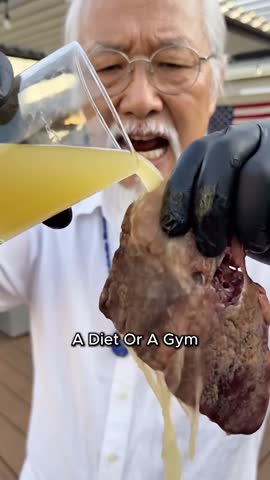
- It opens on an action already in progress. Not a greeting, not a person settling into frame. Something is being poured, pointed at or held up in frame zero.
- The picture changes every few seconds. A new angle, a new object, a second person.
- It ends with one ask. A single comment keyword or a single next step.
 Question over a second person
 Close-up of the problem
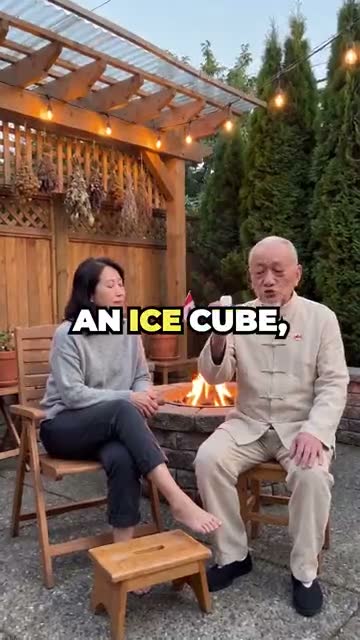 Demo already under way
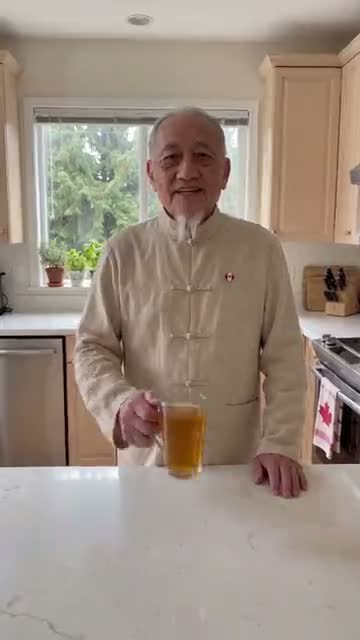 Object held to the lens
What to avoid
- Paid ads for another brand. If the post is marked as a partnership, the selling section belongs to that brand. Drop it or replace it with your own product.
- Videos that work because of who is in them. A celebrity’s reach does not transfer. A format does.
- References with no structure. A single unbroken take with no hook gives the clone nothing to keep.
Check: you can say in one sentence why the first three seconds of the reference hold attention.
Step 3: Approve the script and generate
The script keeps the idea of the reference and is rewritten in new words, beat by beat. This is the step where you have the most control, so use it.
Read it aloud
Lines that look fine on a page can be hard to say. If a phrase trips you, it will trip the voice. Swap it for a plainer one with the same meaning. We replace a word after it has been mispronounced twice instead of regenerating and hoping.
Cut it
A reference often repeats itself. The clone does not have to. Five of our six examples are shorter than the video they came from:
| Example | Reference | Clone |
|---|---|---|
| Two-person remedy explainer | 101s | 25s |
| Close-up problem hook | 58s | 30s |
| Outdoor pressure-point demo | 46s | 35s |
| Four-day travel itinerary | 79s | 68s |
| Recipe pour shot | 35s | 29s |
| Hospital visit vlog | 88s | 88s |
The last one is a re-cast that keeps every shot, which is why its length did not change.
Own every claim
Change any line you would not say yourself. This matters most in health, finance and anything a platform restricts.
 0:03
0:03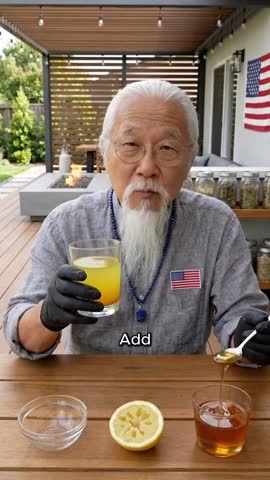 0:10
0:10 0:17
0:17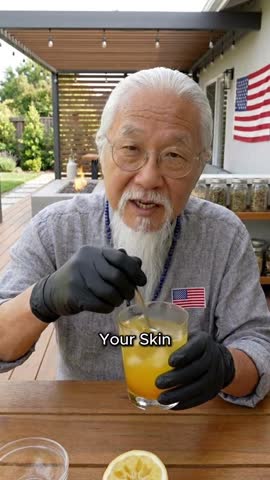 0:24
0:24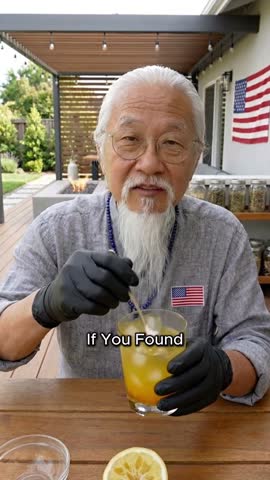 0:31
0:31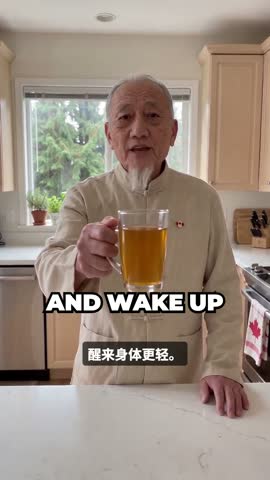 0:02
0:02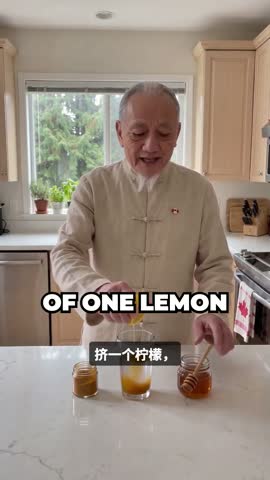 0:08
0:08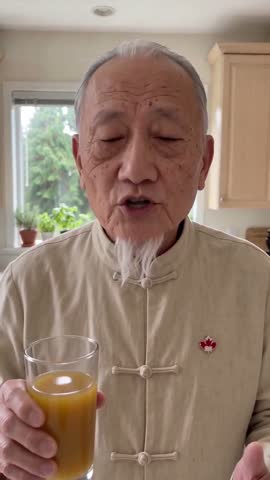 0:14
0:14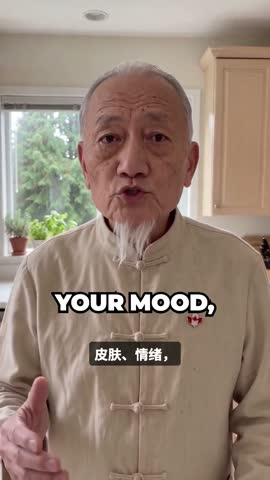 0:20
0:20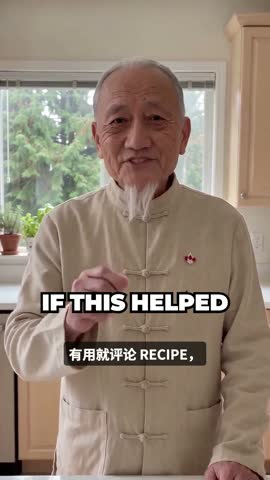 0:26
0:26Then generate. The result is a vertical 9:16 MP4 at 720p with voice and captions in place. The AI clone video generator page lists exactly what goes in and what comes out.
Check: no line is copied from the reference, and every claim is one you are willing to stand behind.
Before you post: four checks
Generated video fails in predictable ways. These are the four we look for on every clone.
- The first frame. The presenter should be speaking and moving from frame zero. A silent half second at the start costs viewers.
- The words. Listen once with your eyes closed. Then read the captions with the sound off. Caption text should come from the script, so a mismatch means a mispronounced word.
- Hands, objects and bodies. Count the props. Check that nothing appears or vanishes between shots, and that limbs connect where they should. Any failure means that shot is regenerated.
- The AI label. Switch on the platform’s AI label when you upload.
What it costs
You pay for the length of the finished clone, not the reference. One credit is one second of finished video, and shots that are regenerated to pass checks are not charged. See pricing for the plans.
Where to go next
- New to the idea? Read AI video cloning explained.
- Deciding between tools? Read AI clone video vs AI avatar video.
- Worried about rights? Read is it legal to clone a viral video.